
Write your first episode
How to create a new project and write your first episode. A project is a folder that holds one story. In the app, a project folder is also called a vault.
Create a project
Section titled “Create a project”The first time you open Loreve, the Vault manager opens.
- Click New project.
- Enter a Title.
- Click Select folder… and choose where to save the project.
- Click Create project.
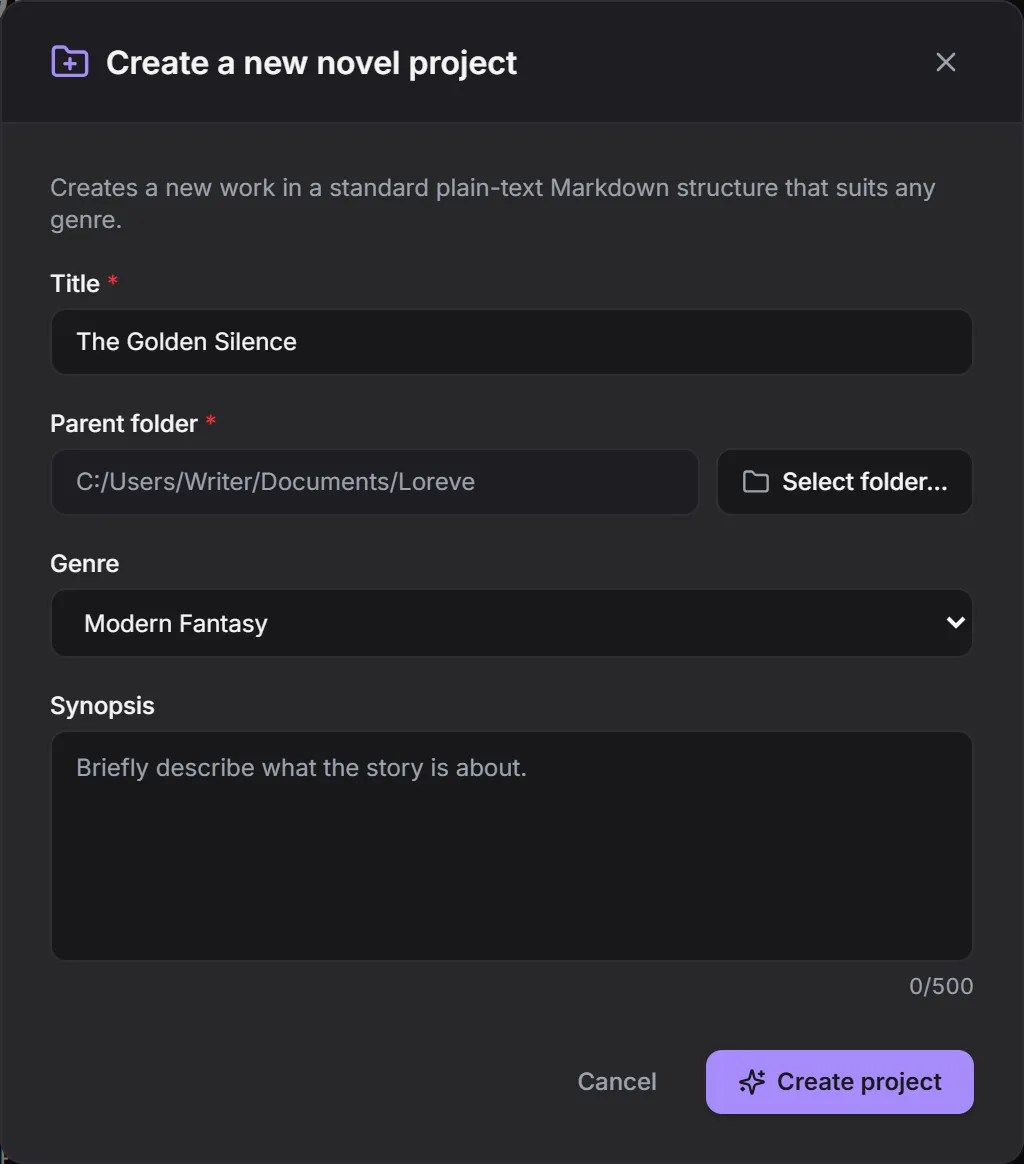
You can change the genre and synopsis later in Settings > Project. A new folder named after your title is created in the location you chose.
Write the first episode
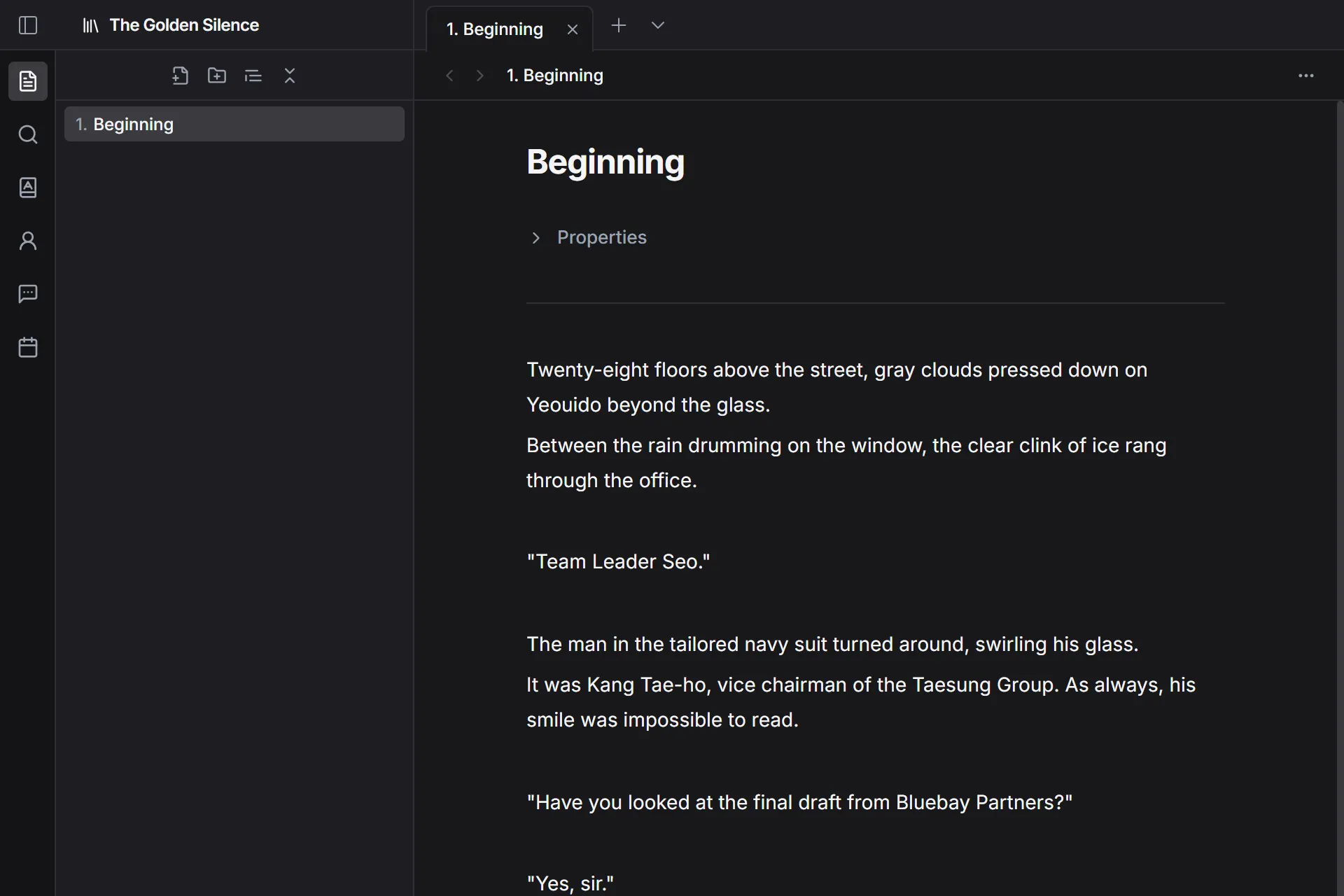
Section titled “Write the first episode”When the project is created, 1. Beginning opens automatically.
- Delete “Start writing your manuscript here.” in the body.
- Start writing.
There’s no save button. Everything you write is saved automatically.
Rename an episode
Section titled “Rename an episode”- Right-click the episode in the list on the left.
- Click Rename.
- Type the new title and press
Enter.
Add the next episode
Section titled “Add the next episode”- Click the New episode icon above the list on the left.
- Enter the Episode title.
- Click Create episode.
Episode numbers are added automatically. If you leave the title empty, the number becomes the title.